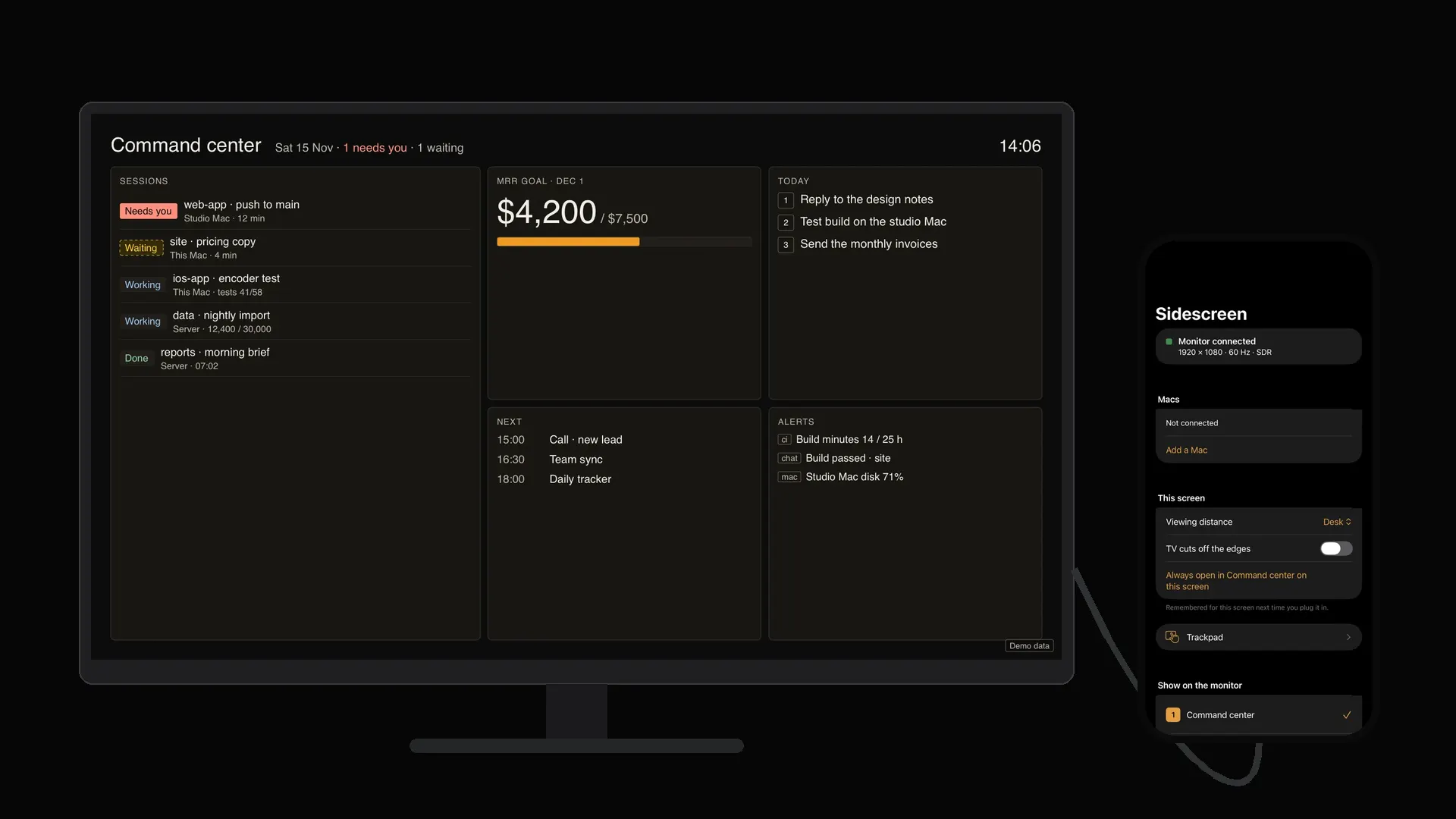
Sidescreen by ServiceAi
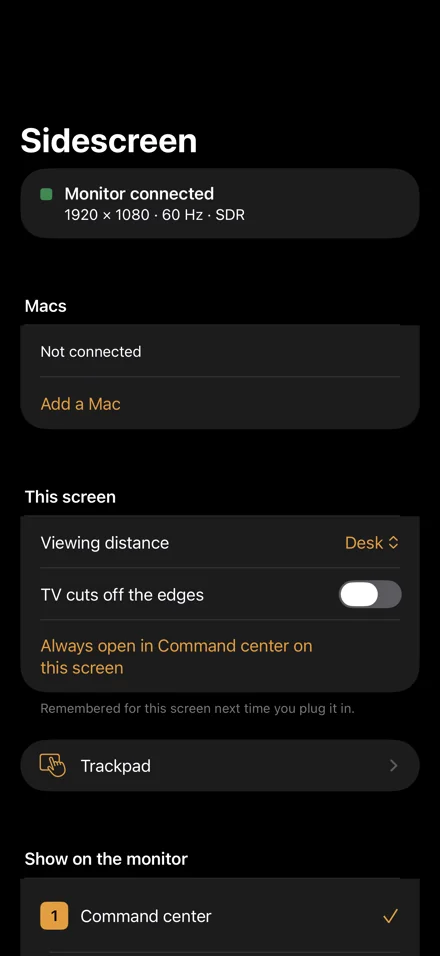
Plug your iPhone into a monitor. It comes up as a full screen of its own.
No mirroring. No black bars. No Mac needed.
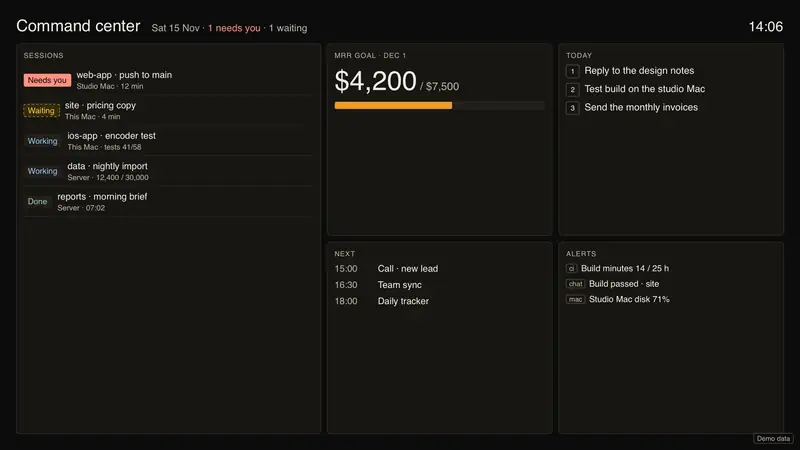
Sidescreen draws straight onto any monitor or TV at that screen’s own resolution and shape, edge to edge. Ten modes run from the phone, which becomes the remote. Pair a Mac and its screen shows up there too, with the iPhone as trackpad and keyboard.
Try the trackpad
Your iPhone is the trackpad. Move the cursor on the monitor.
All the way round.
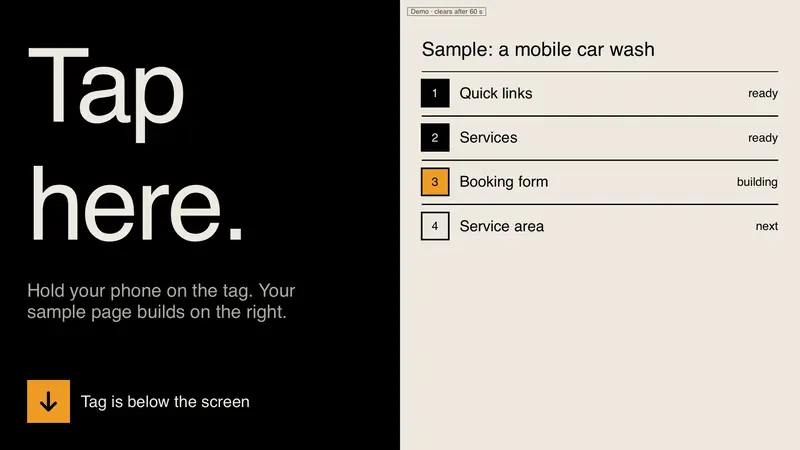
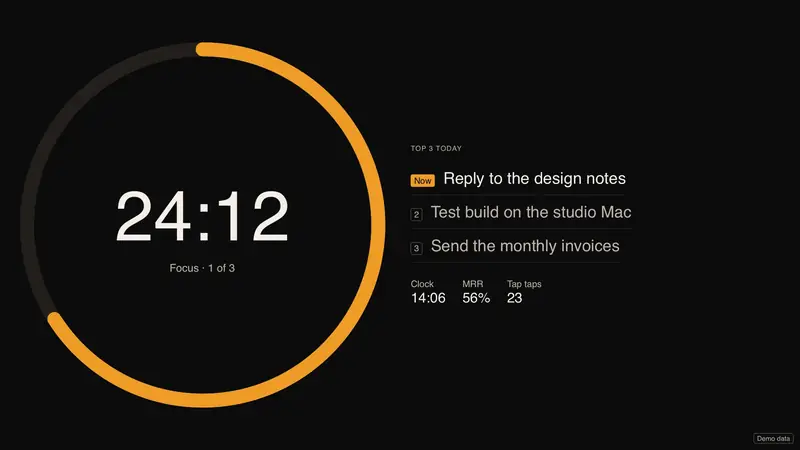
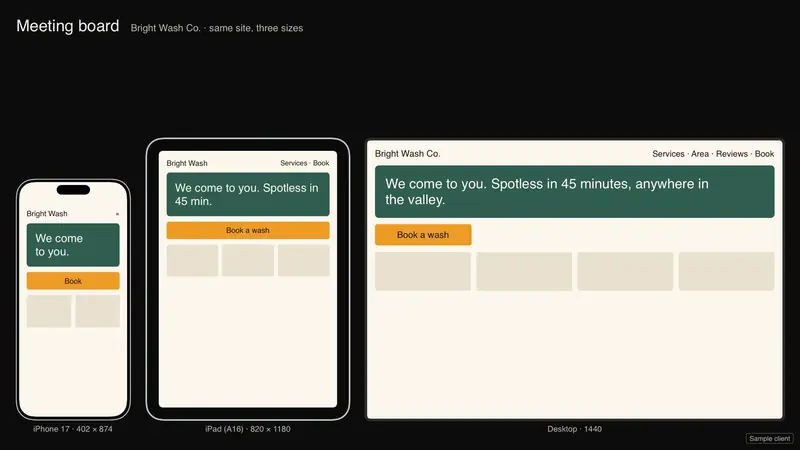
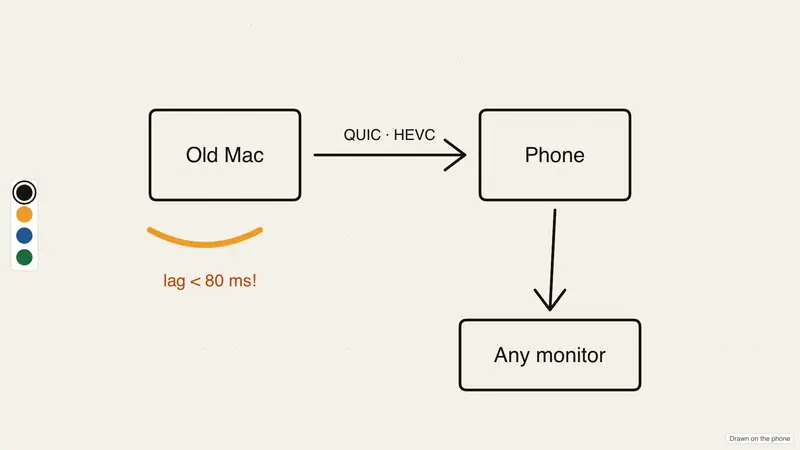
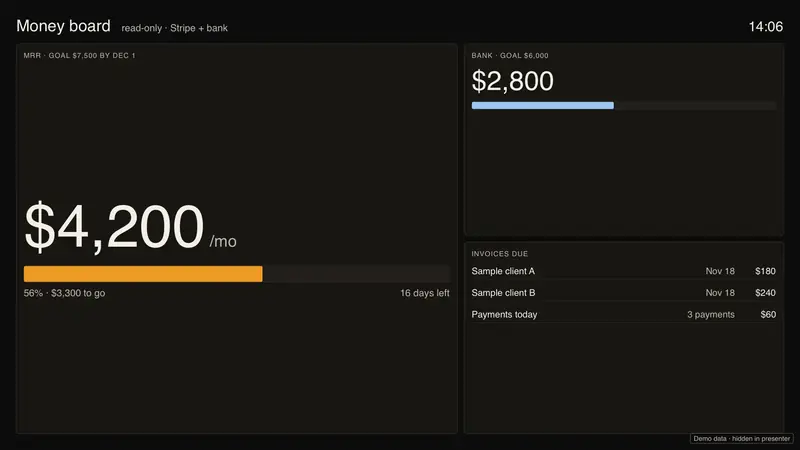
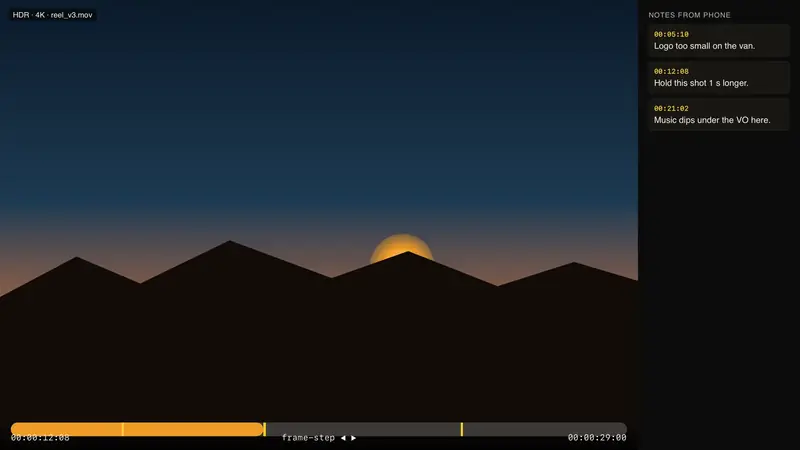
Ten screensof its own.
Each one fills the monitor edge to edge.
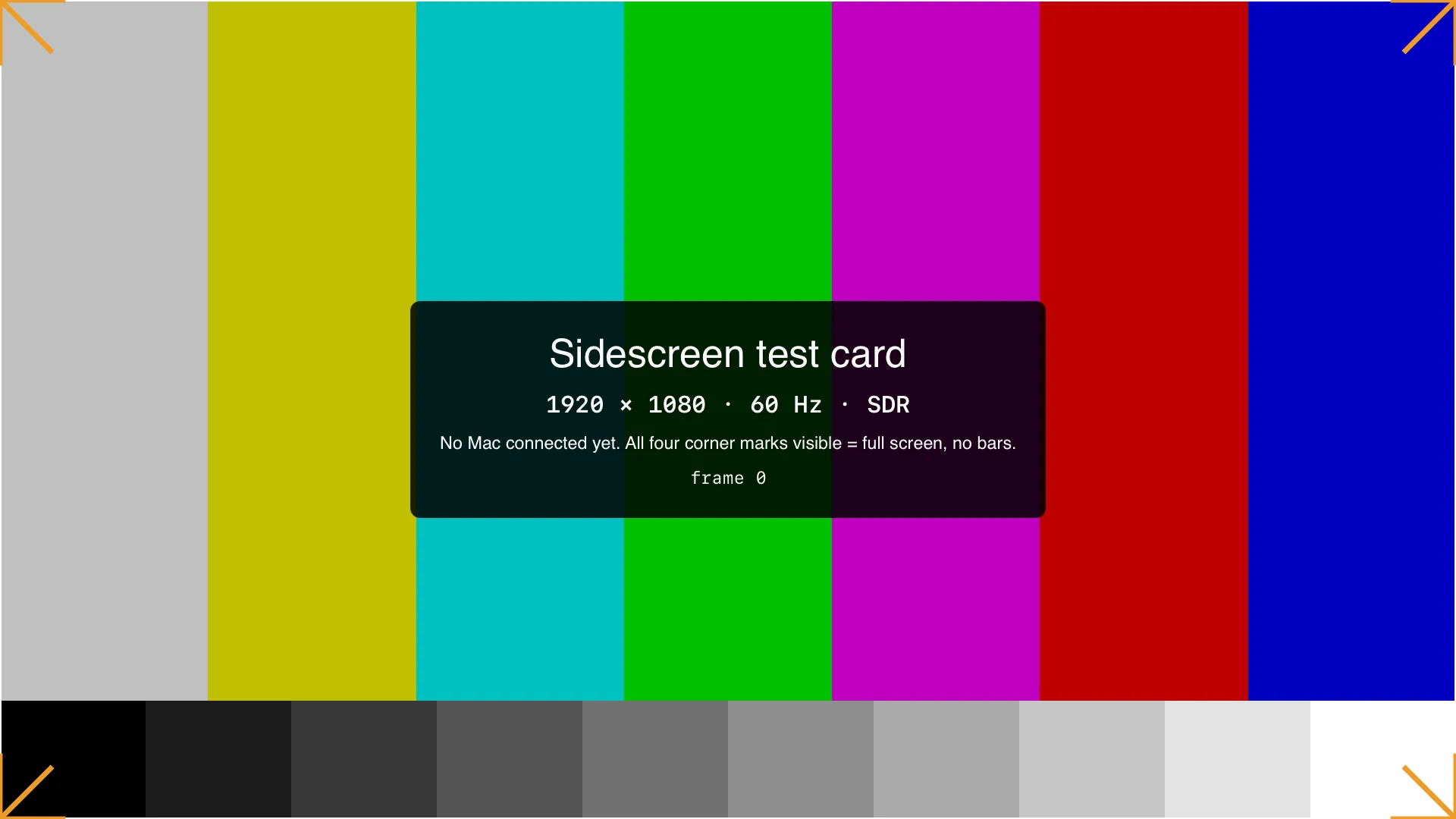
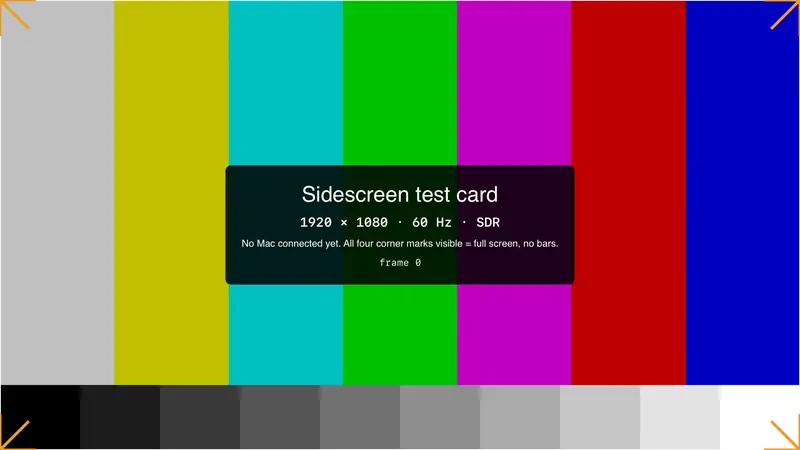
Four corner marks. All four visible.
This is the test card the app draws before a Mac connects. If you can see every corner mark, the picture fills the screen. Then pair a Mac: the free Sidescreen helper makes a display at the monitor’s exact size, and the iPhone drives it.
How to pair a MacThe numbers.
The app sizes its type for how far away you sit. Try it on these numbers.
The screening.
One price. No account.
The launch list.
One email when Sidescreen is on the App Store. We keep only your address and which part you asked about. What we keep.
The Mac helper.
A free, notarized menu-bar app. It makes a display at the monitor’s exact size, and your iPhone becomes its trackpad and keyboard. Download: coming with the App Store release.
- Menu bar › Sidescreen › Pair a phone
- Scan the code on the Mac with the iPhone
- Check the code matches on both screens
Questions.
Plug it in.It comes up.
The last frame of the film, developed all the way to colour.