This monitor is asleep.Now it’s awake.
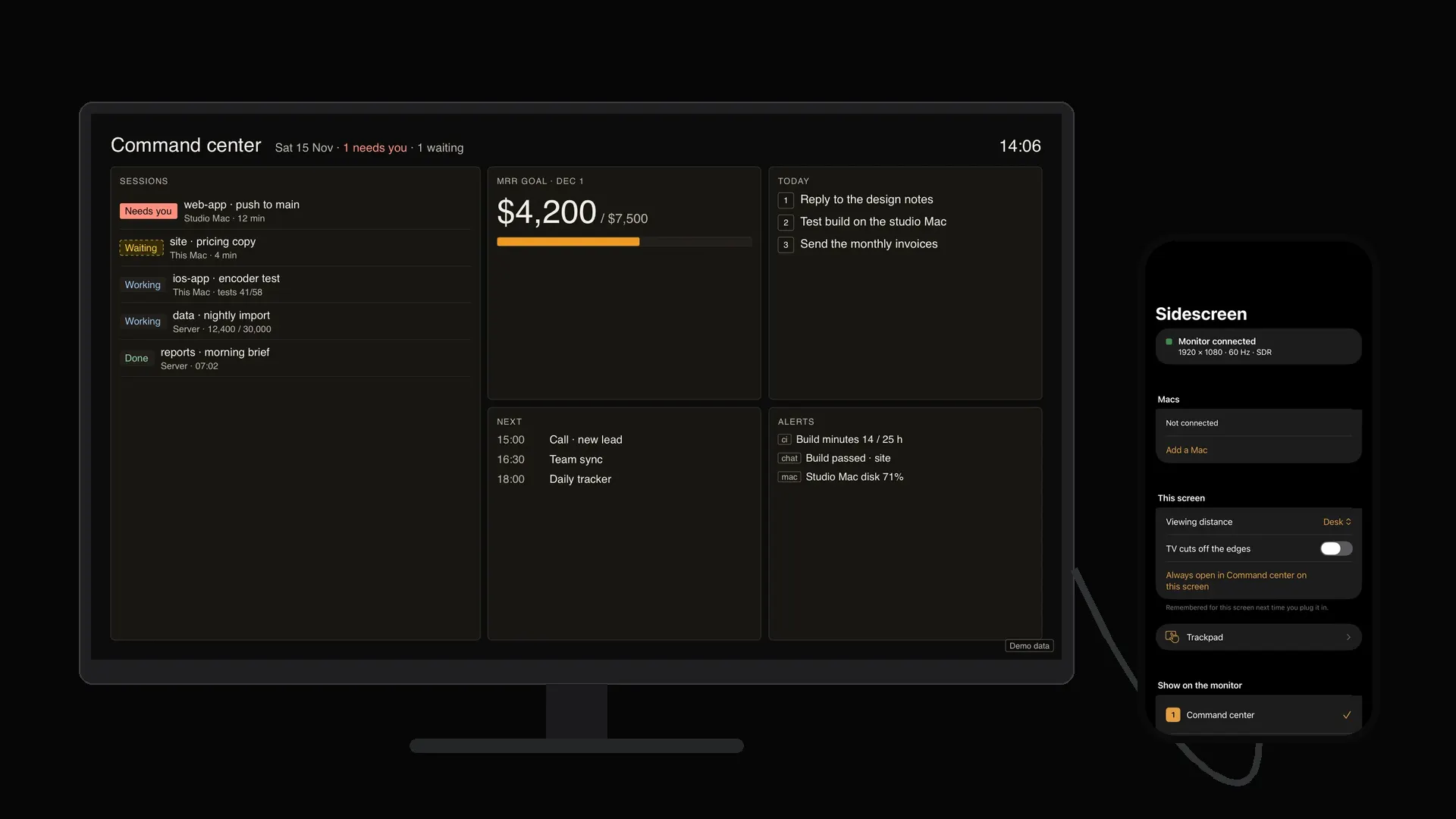
Sidescreen wakes any monitor or TV with one USB-C cable from your iPhone. The monitor gets its own full screen at its own resolution, edge to edge. No mirrored phone. No black bars.
Drag the plug into the port on the monitor’s side.Keep scrolling. The phone is the remote now.
1920 × 1080 · 60 Hz · SDR
Edge to edge, at the monitor’s own size.
On the screen is the app’s own test card. All four corner marks visible means full screen and no bars. Sidescreen reads each screen’s size, shape and refresh rate the moment you plug in, and keeps the iPhone awake while it’s connected.
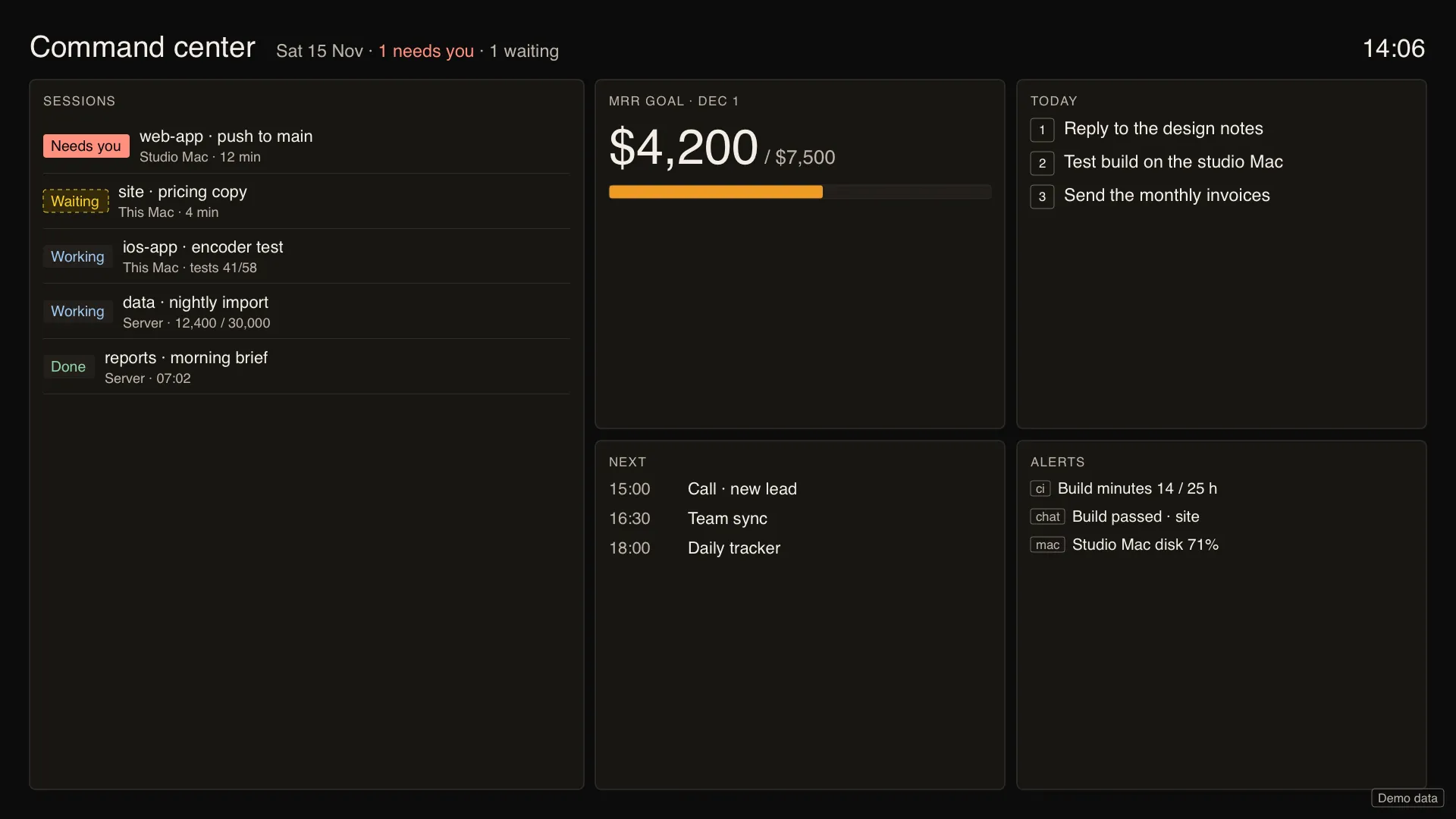
Ten things the screen can be.
Pick one on the phone. The phone becomes its remote.
Pictures are the app’s own screens, filled with demo data.
Watch it run.
Everything on the desk.
No Mac needed. Or bring yours.
Just the phone
One cable. The modes run on the iPhone and draw straight to the monitor. Nothing else on the desk.
Your Mac on that monitor
The free Sidescreen helper for Mac makes a display at the monitor’s exact size and streams it over your own Wi-Fi or Ethernet. The iPhone becomes the trackpad and keyboard: click, right-click, drag, scroll, shortcuts.
Needs an iPhone with USB-C video out (iPhone 15 or later) on iOS 27, and a monitor or TV with USB-C video in, or HDMI through an adapter. Mac stream needs macOS 27.
Counted, not claimed.
Whatever shape the screen is.
- 16:9 portable monitor
- 21:9 ultrawide
- 9:16 monitor on its side
- TV across the room
Same mode, laid out again for each shape. Text is sized for how far away you sit, TVs keep clear of their cut-off edges, and every monitor is remembered for next time.
Nothing leaves your desk.
No account. Only Macs you pair yourself, on your own local network: a code shows on the Mac, the same code shows on both screens, and Face ID or your passcode comes before every connection. The picture and your input are encrypted end to end between your iPhone and your Mac. No ads, no tracking. The app collects no data.
Read the privacy policyBefore you plug in.
One price. Yours to keep.
Sidescreen Pro, paid once in the App Store. Free to start. No subscription and no account.
Wake me when it ships.
We keep only that email, your pick and the date, and use it for that one message. How we handle it.