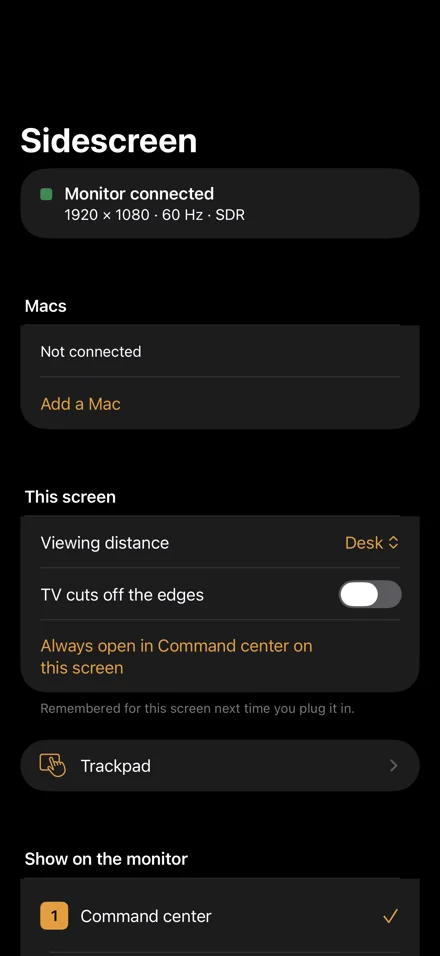
440×956 iPhone 17 Pro Max, points
Your iPhone. Any screen.
Plug it into a monitor or TV with one USB-C cable. Sidescreen draws its own full screen at that monitor's resolution and shape. Scroll, and watch this page do the same.
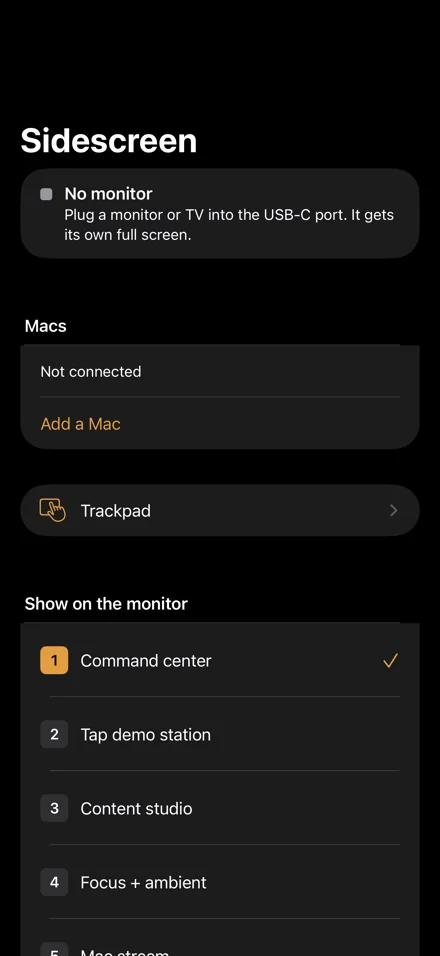
440×956 iPhone 17 Pro Max, points
Plug it into a monitor or TV with one USB-C cable. Sidescreen draws its own full screen at that monitor's resolution and shape. Scroll, and watch this page do the same.
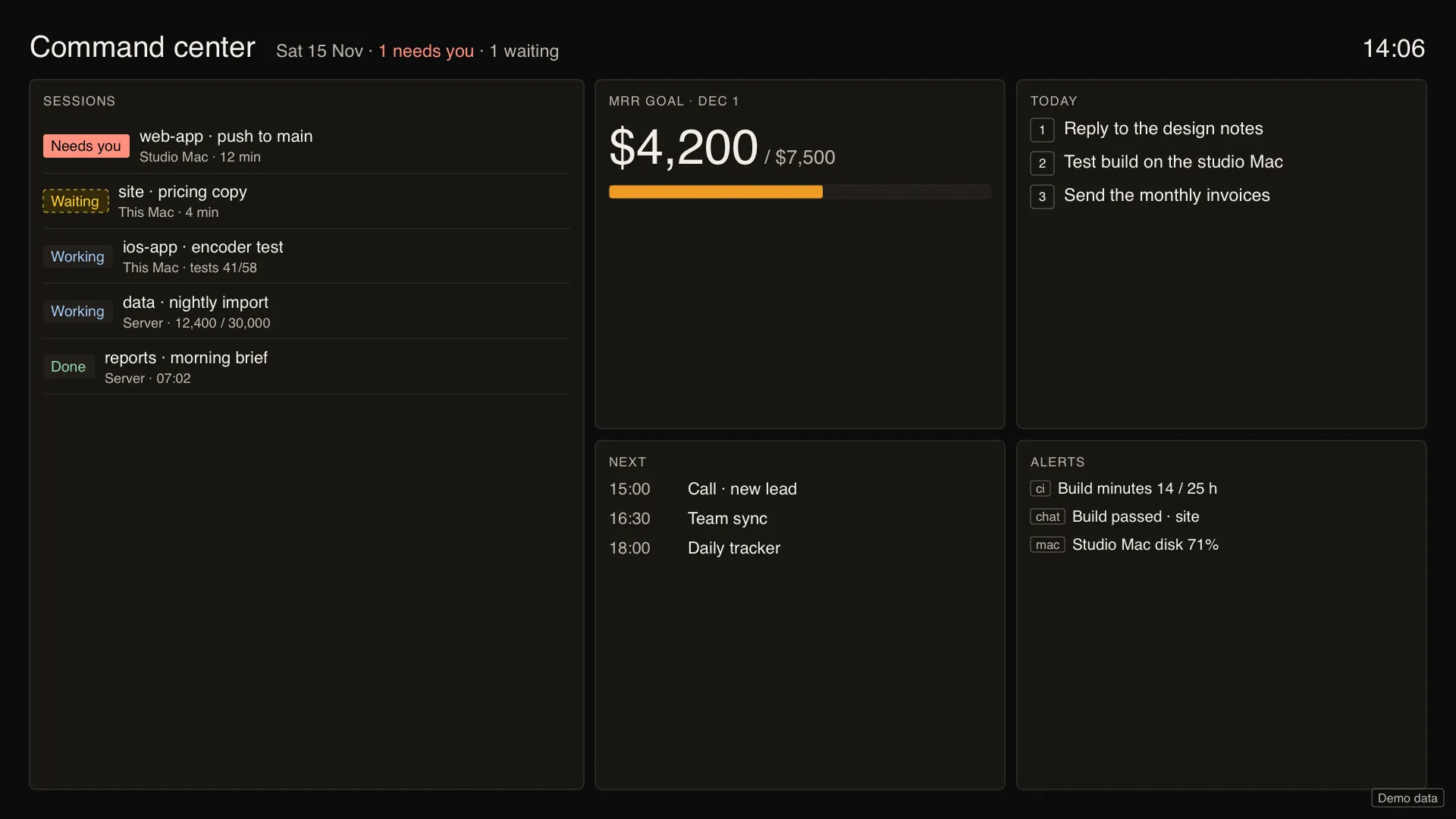
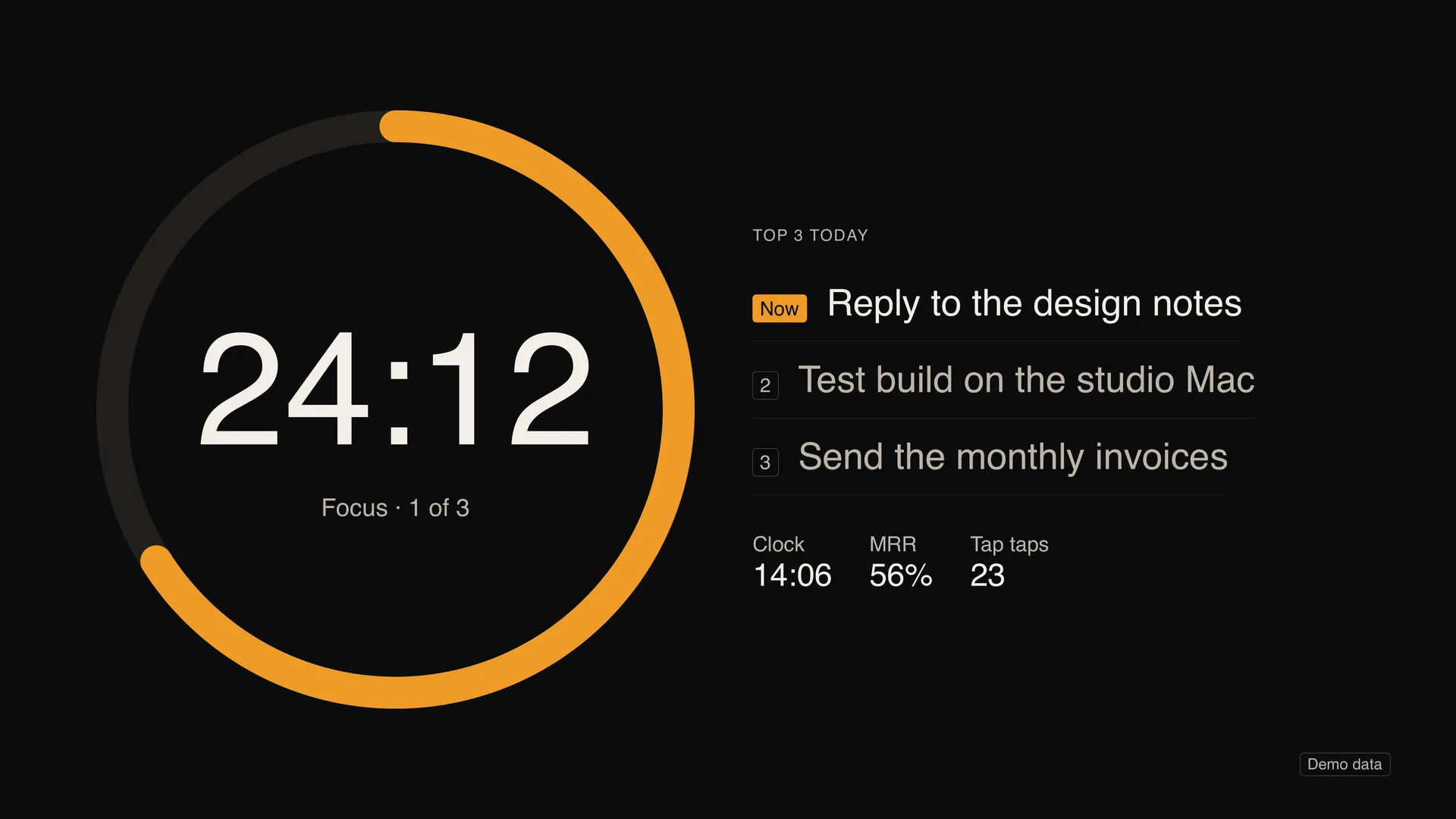
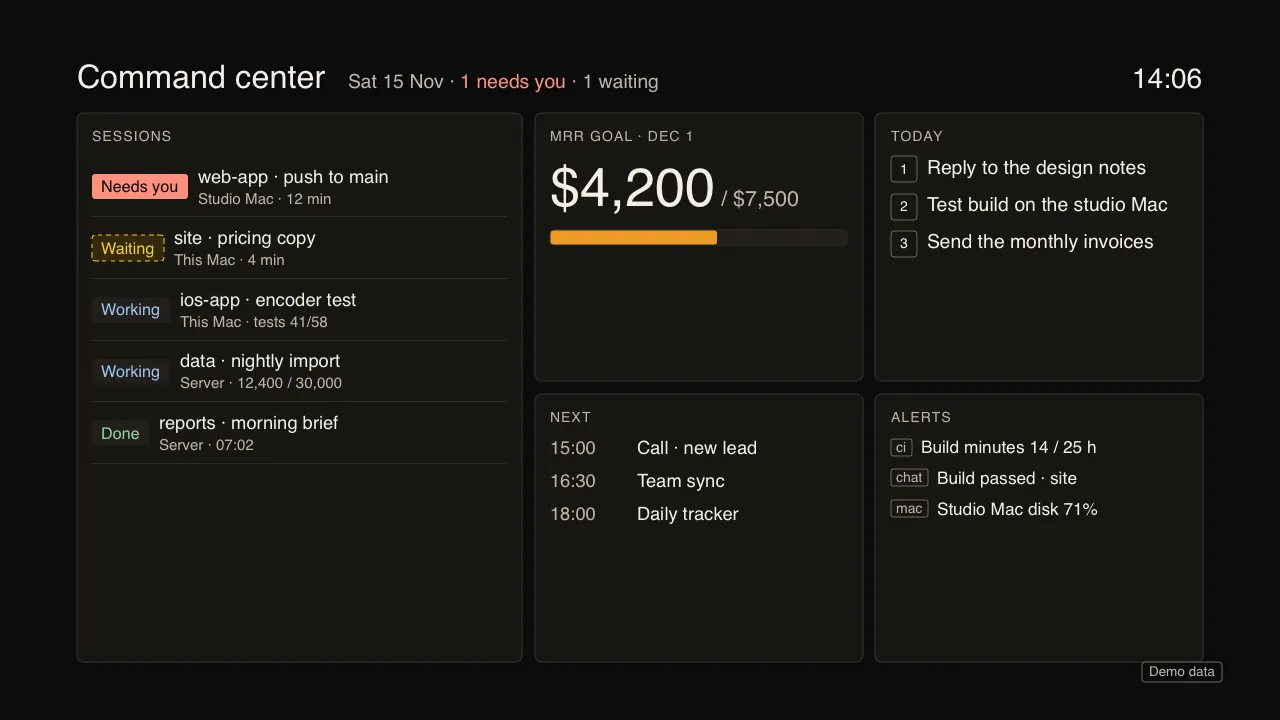
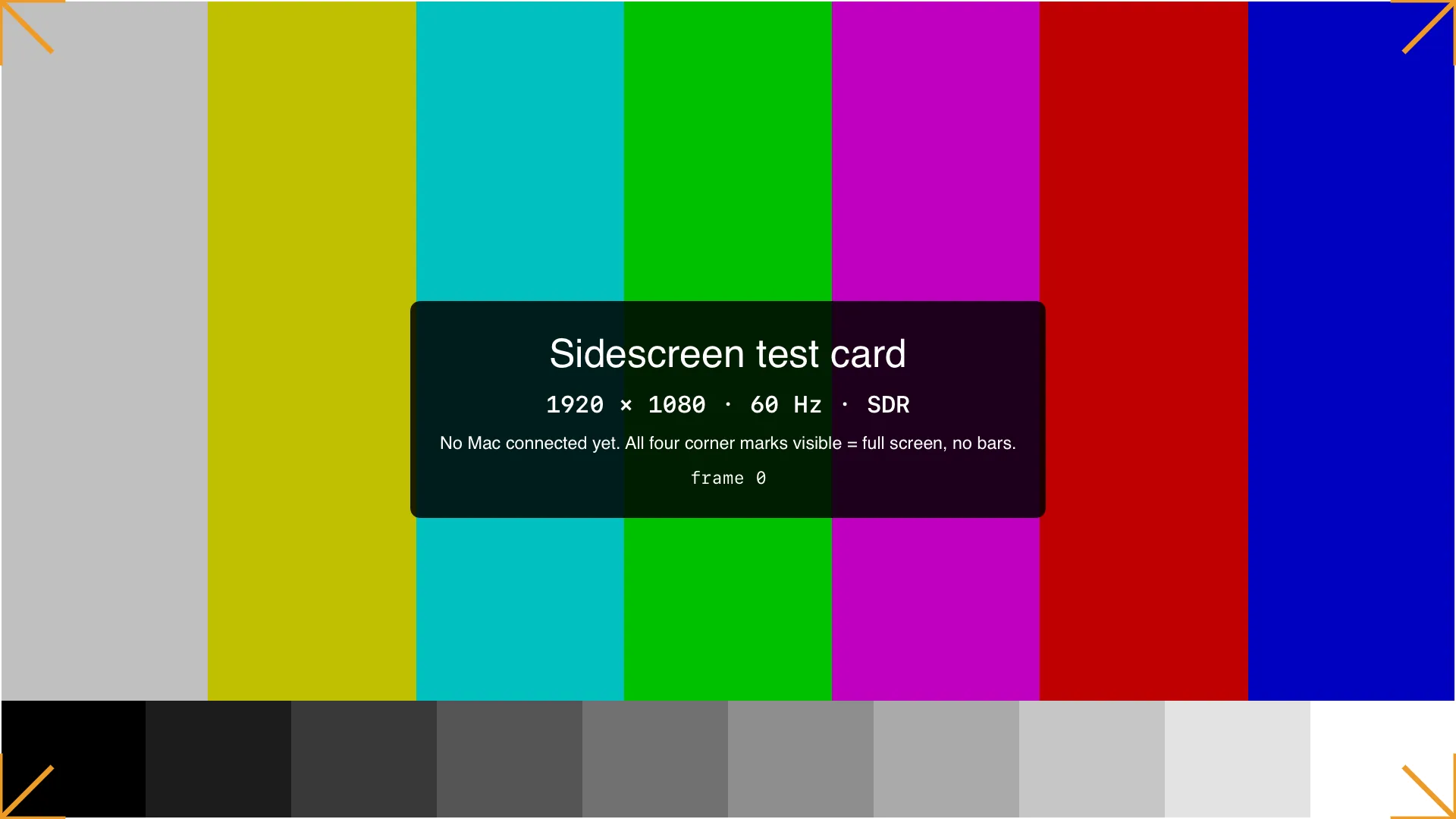
1920×1080 15.6-inch portable monitor, 16:9
Not a mirror of the phone. A full screen of its own, edge to edge, with no black bars. Here: Command center on a portable monitor.
Viewing distance: Desk
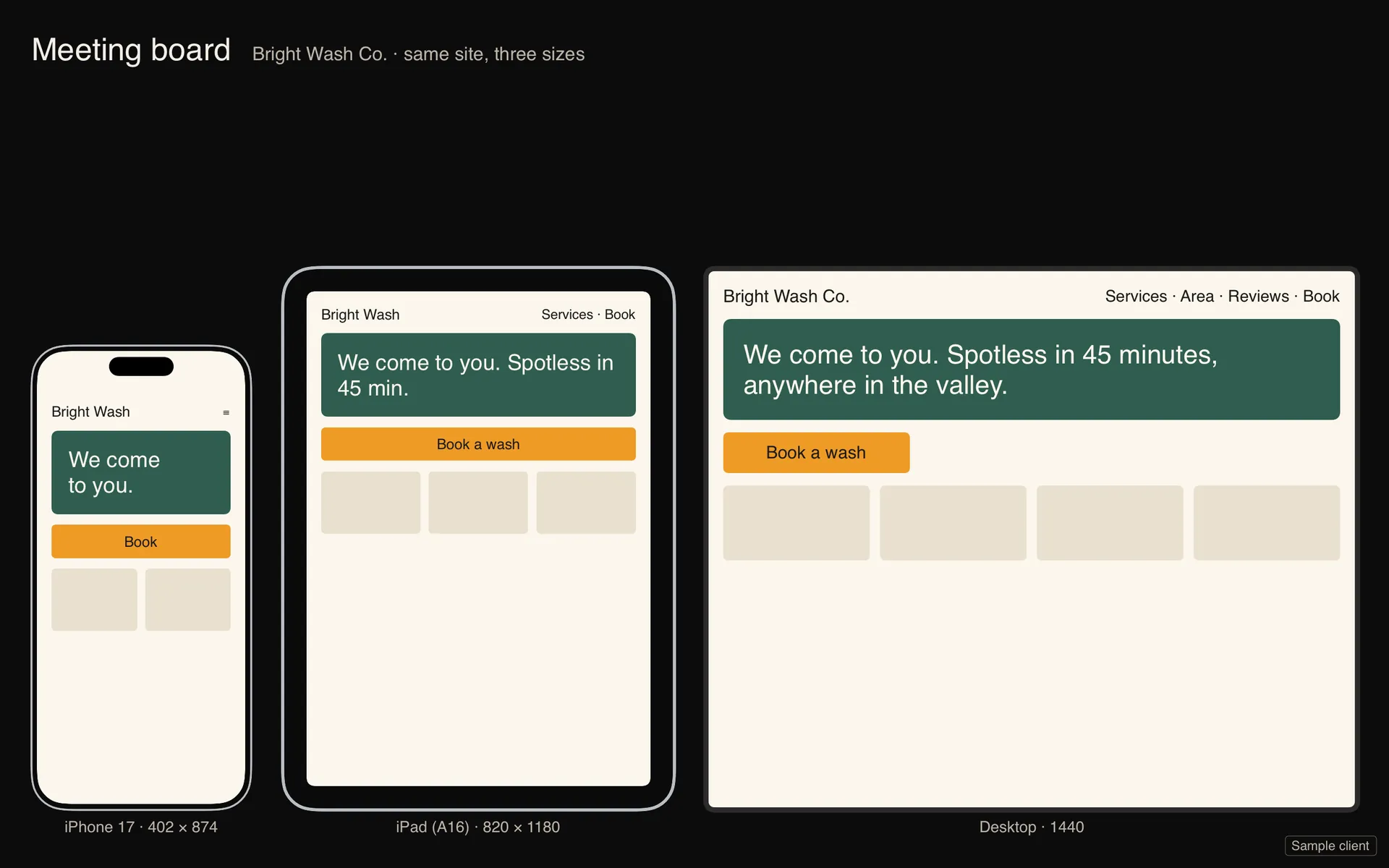
1920×1200 desk monitor, 16:10
It reads each screen's size, shape and refresh rate when you plug in, and lays out from that. Nothing is stretched. Here: Meeting board, one site at three sizes.
Viewing distance: Desk
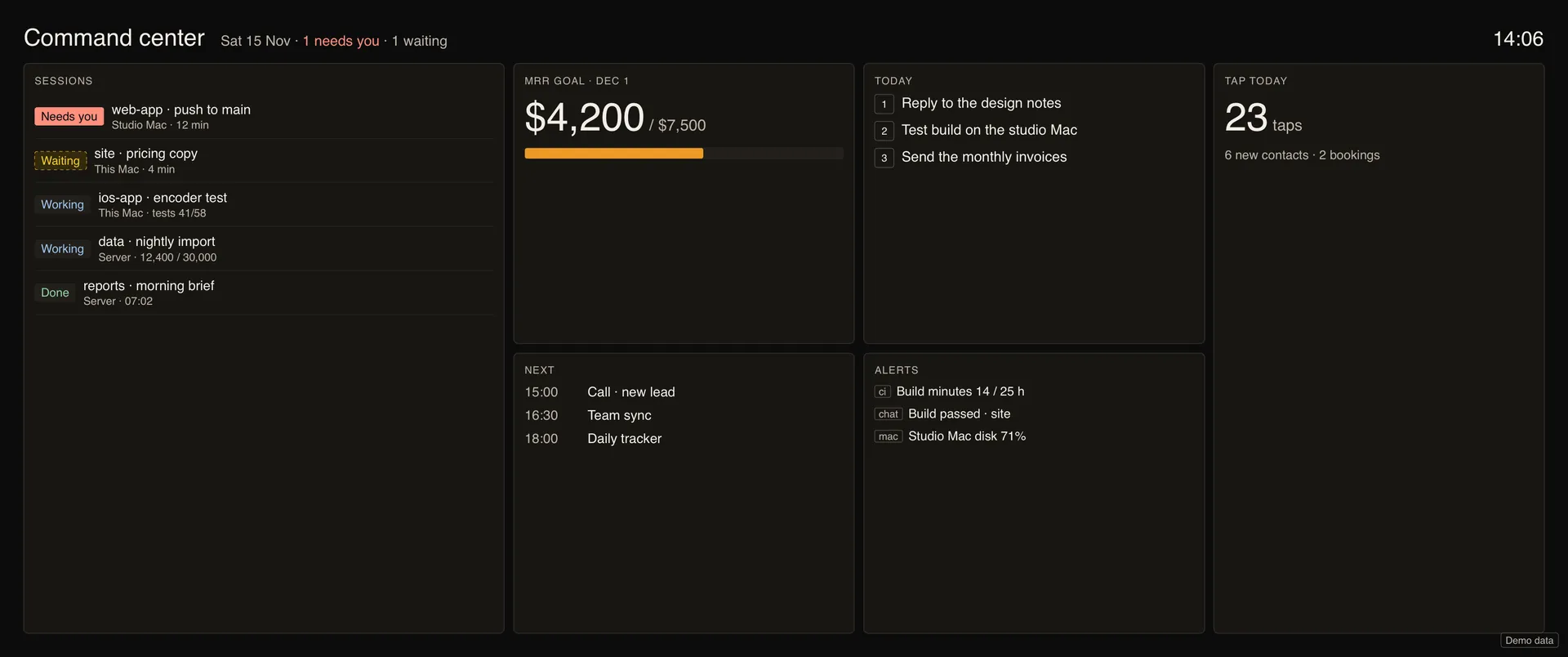
3440×1440 ultrawide, 21:9
On an ultrawide the board gains a column instead of stretching the ones it had. Same app, same cable.
Viewing distance: Desk
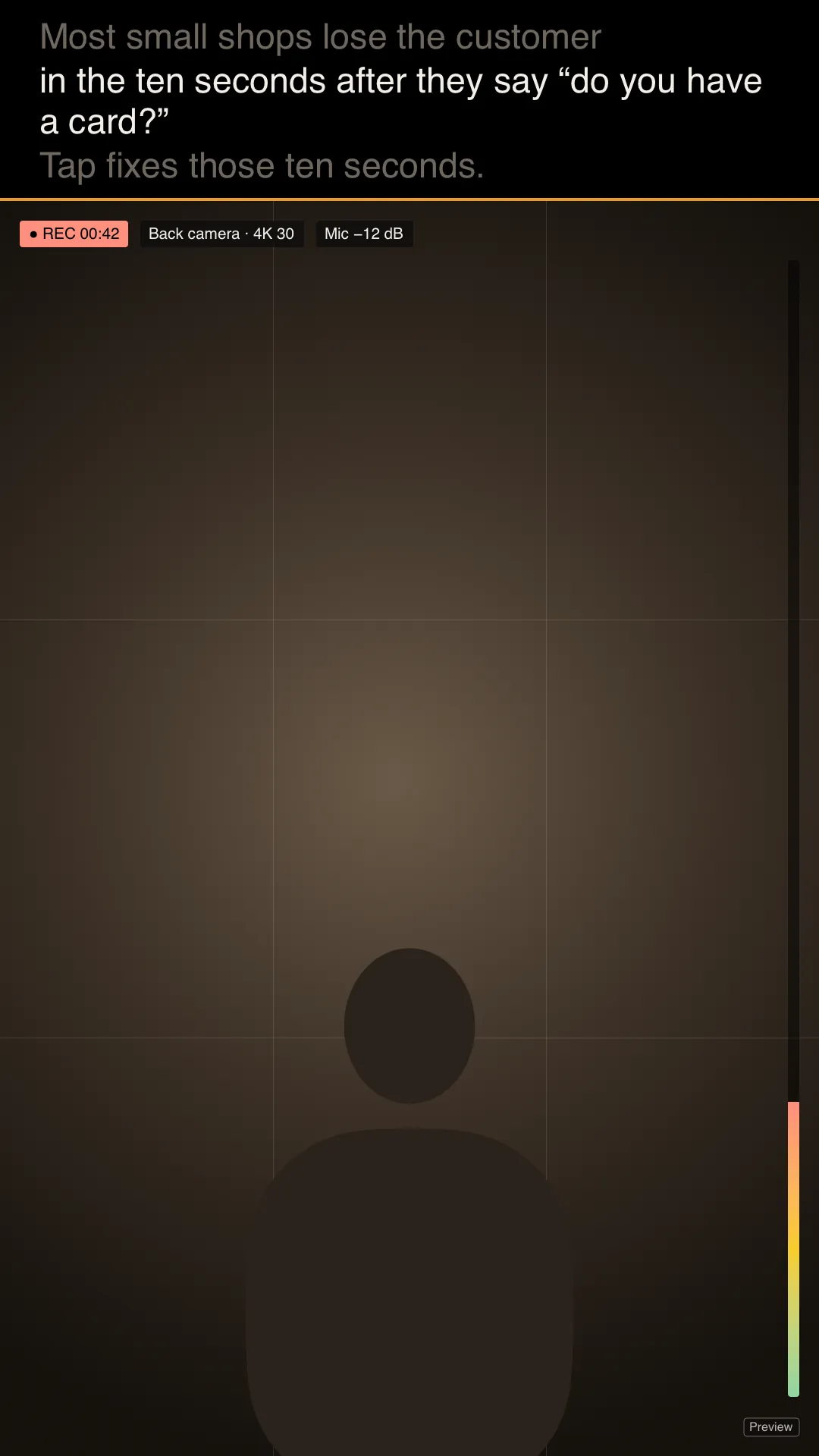
1080×1920 monitor on its side, 9:16
Portrait gets its own layout too. Here: Content studio, with the teleprompter above the camera preview.
Viewing distance: Desk
3840×2160 65-inch 4K TV
Text sizes from the screen and how far away you sit. On a TV that cuts off its edges, everything stays inside the safe area (the dashed line).
Viewing distance: Across the room
The phone on the right, the monitor on the left, one cable between them, all ten modes in a row.
A monitor and an iPhone joined by a USB-C cable. The monitor steps through the ten Sidescreen modes while the phone shows its remote.
Interim cut from the app's own screen renders. The narrated film replaces it in this same frame.
Sidescreen reads the screen it is plugged into, then lays out for it.
1920 × 1080, 16:9. Laid out as a 16:9 monitor.
Sidescreen Pro at launch, then $19.99. Pay once. No subscription, no account. Free to start.